September 18, 2026
An automatic driveway gate adds convenience, but it also adds moving force near vehicles, children, pets, and pedestrians. Cape Coral gate safety sensors help the operator detect obstacles and stop or reverse before a dangerous contact occurs.
The right setup depends on more than adding one photo eye. Gate alignment, coastal weather, wiring, emergency release hardware, and regular testing all affect safety. Start with the sensor types, then review what a qualified installer should include in the proposal.
Cape Coral Gate Safety Sensors: What They Do
Safety devices monitor different parts of the gate's movement. A driveway gate may need more than one type because a vehicle or person can enter the hazard area from several directions.
Photo eyes monitor the gate opening
Photo eyes use a transmitter and receiver to create a detection line across the gate path. When an object breaks that line, the system can stop or reverse the gate, depending on the operator and its settings.
These sensors help detect a person, bicycle, pet, or vehicle in the opening. However, they only protect the area covered by their beam. Their location, alignment, wiring, and condition all matter.
Dirt, salt film, plant growth, standing water, or a shifted post can interfere with operation. A qualified professional should adjust or reconnect photo eyes, especially when the work involves electrical wiring or entrapment protection.
Safety edges protect pinch points
A safety edge is a pressure-sensitive device installed where the moving gate could trap or crush someone. Common locations include the leading edge of a sliding gate, the meeting point of double gates, and other areas near posts or fixed surfaces.
If the edge detects contact, it can signal the operator to stop or reverse. It doesn't replace photo eyes because each device covers a different hazard area.
The gate design determines where edges may be appropriate. Ask the contractor to identify pinch points before installation rather than adding sensors after the gate is already operating. This automatic gate safety sensor requirements guide covers photo eyes, safety edges, and UL 325 entrapment protection in more detail.
Vehicle loops help manage driveway traffic
Vehicle loops detect a vehicle near or beneath the driveway surface. Depending on the system, a loop may help keep a gate from closing on a vehicle or support controlled entry and exit.
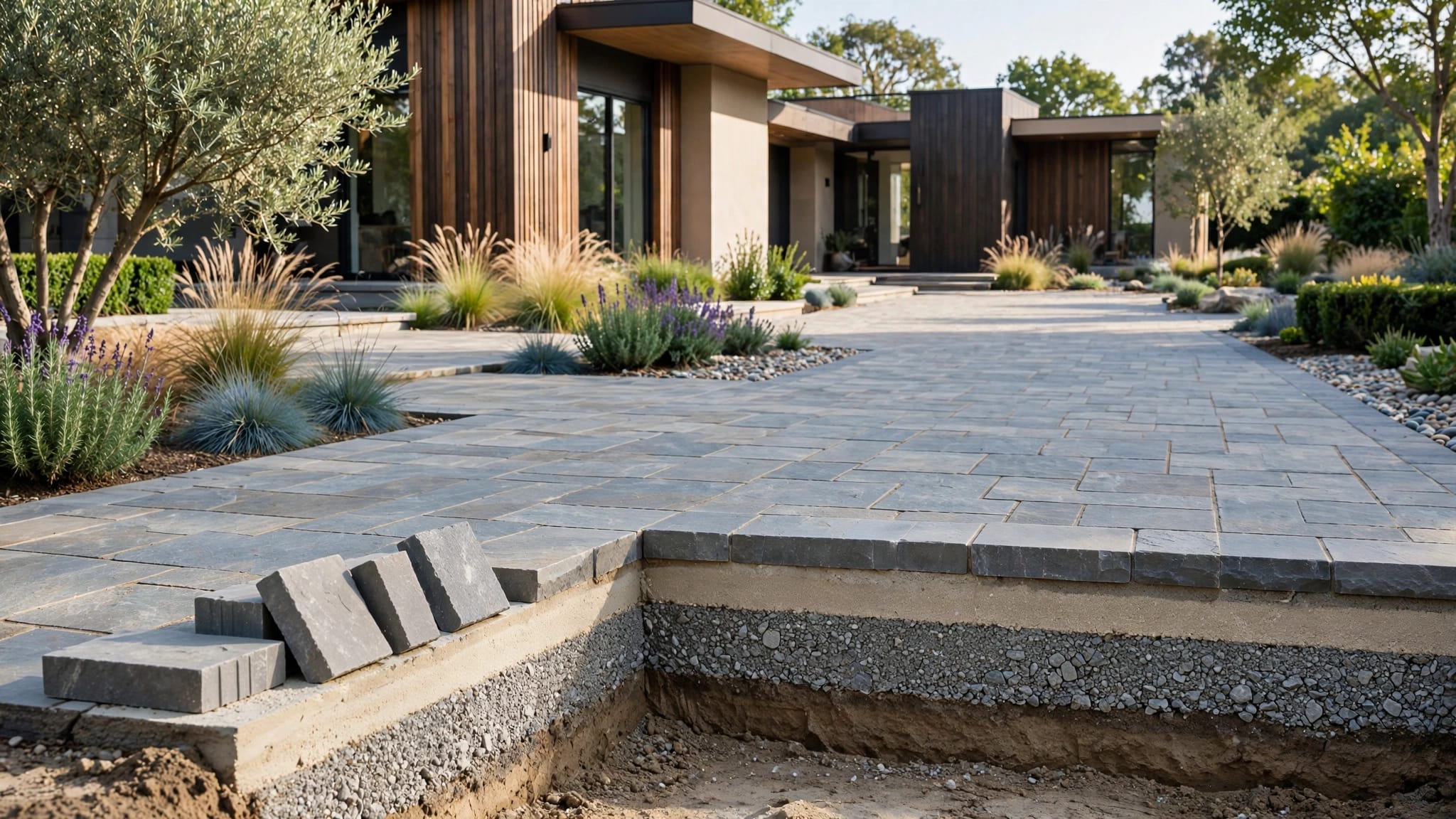
Loops are especially useful when the gate opens onto a busy driveway or when a vehicle could stop inside the travel area. They require careful planning before concrete, pavers, or asphalt work begins.
A loop is not a substitute for pedestrian protection. People, bicycles, and pets may not activate it. The installer should consider the full site, including walkways and areas where someone could approach the gate outside the vehicle path.
Why Cape Coral's Climate Matters
Salt air and storms affect both sensors and the equipment that controls them. A system can appear fine during a dry inspection, then develop faults after wind-driven rain or a nearby lightning event.
Salt, humidity, and rain affect connections
Salt residue holds moisture against metal and electrical connections. Hinges, brackets, fasteners, terminals, sensor mounts, and exposed connectors can corrode faster near canals, coastal areas, and sprinkler zones.
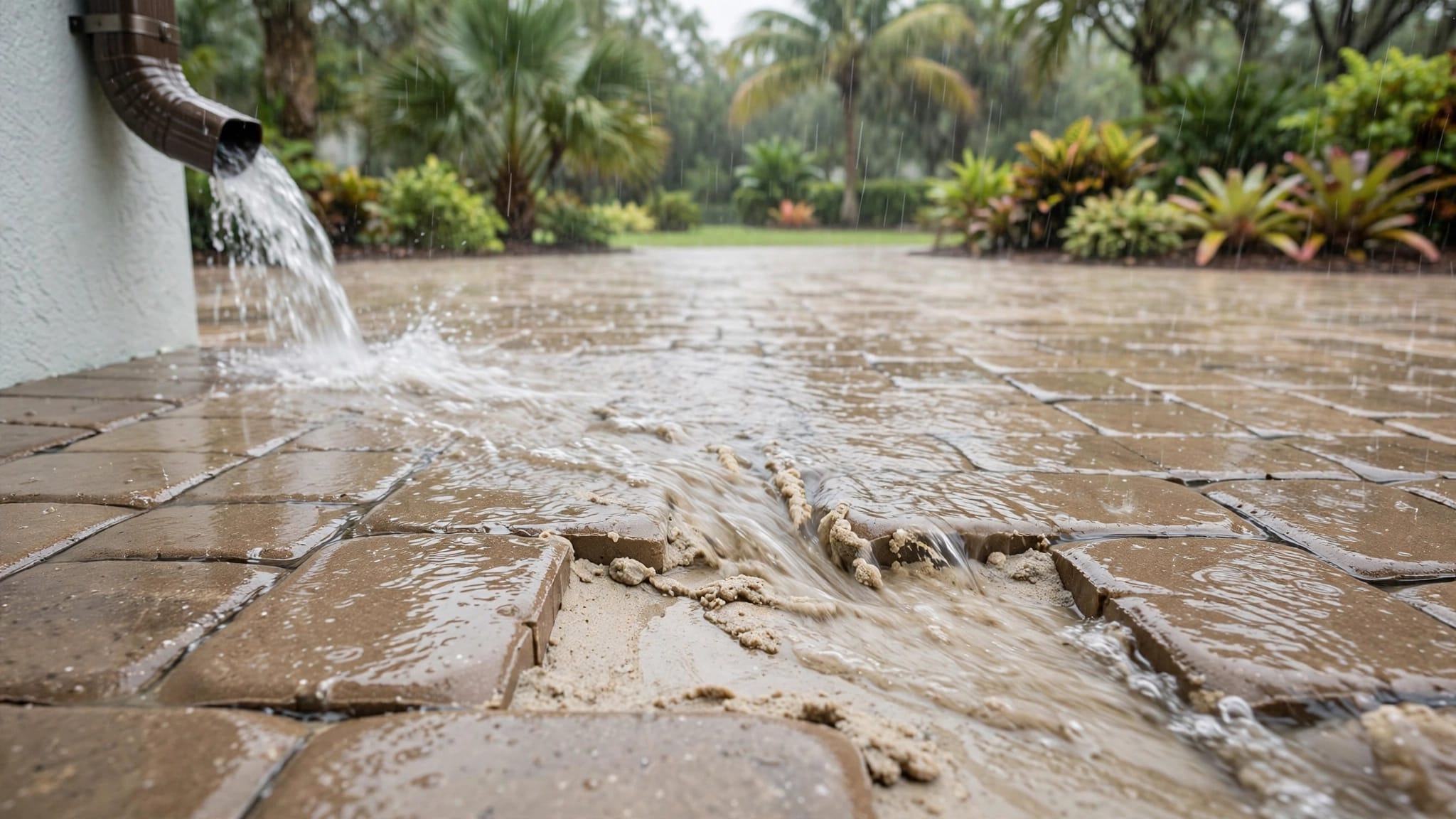
A weather-resistant enclosure still needs proper mounting, drainage, and sealed entries. Water that collects inside a control box can damage terminals or create intermittent faults. Sprinklers should not spray the operator, sensors, or gate hardware.
Monthly rinsing with fresh water can remove surface salt from exterior components. Never spray directly into an enclosure, sensor opening, or electrical connection. A technician should inspect seals, conduit entries, and exposed wiring when the system shows repeated faults.
Lightning can damage low-voltage equipment
Photo eyes, keypads, and other accessories may connect to the operator through long wire runs. During a nearby storm, those wires can experience electrical surges even without a direct strike.
Ask how the installation addresses grounding and surge protection for the operator and accessory wiring. After lightning, flooding, or a major storm, have the safety equipment tested instead of assuming the system still works.
A gate that opens normally can still have a failed reversing function. Safe operation requires testing the sensors, not only checking whether the motor runs.
What to Ask for in an Automatic Gate Proposal
A detailed proposal should describe the complete safety system, not only the motor or opener. This helps you compare contractors on installation quality rather than choosing based on an incomplete price.
Ask about UL 325 entrapment protection
UL 325 is associated with safety requirements for door, gate, and other operator equipment. When reviewing an automatic gate proposal, ask whether the selected operator supports UL 325 entrapment protection and which safety devices the installer plans to use.
Don't treat the label as proof that every part of the installation is safe. The gate structure, sensor placement, operator settings, clearances, and testing still matter. The equipment must match the gate's size, weight, travel, and frequency of use.
Request redundant safety devices
A dependable system uses more than one way to detect a hazard. Photo eyes may cover the opening, while safety edges protect contact points. Vehicle loops can address vehicle positioning but may not detect a pedestrian.
The contractor should explain which device protects each hazard area. Ask about:
- Photo eyes for the gate opening and travel path.
- Safety edges at leading edges, posts, and other pinch points.
- Vehicle loops where driveway traffic creates a separate risk.
- Obstruction detection and stop or reverse behavior.
- An emergency release for manual operation when power is unavailable.
The exact combination depends on the gate design and site. A qualified professional should select and test the equipment rather than leaving the homeowner to position it.
Check the travel area and warning signs
The gate needs clear room to move. Landscaping, mulch, stored items, toys, vehicles, and storm debris can block sensors or create new obstructions.
A proposal should address the gate's travel space, pedestrian access, and visible safety signage. Signs can warn guests not to walk through a moving gate or follow another vehicle through the opening.
For coastal properties, also ask about corrosion-resistant hardware, protected connections, and access for future service. Sensor maintenance becomes harder when an operator is buried behind plants or installed where water collects.
Prepare the Gate Before Sensors Are Installed
Sensors cannot correct a gate that drags, sags, binds, or strikes its stop. The gate should move smoothly by hand before an operator is installed or adjusted.
Repair alignment and hardware first
Check the hinges, rollers, tracks, posts, latch, center stop, and frame. A sliding gate may have a blocked track or worn roller. A swing gate may have a leaning post or a hinge that no longer carries the load evenly.
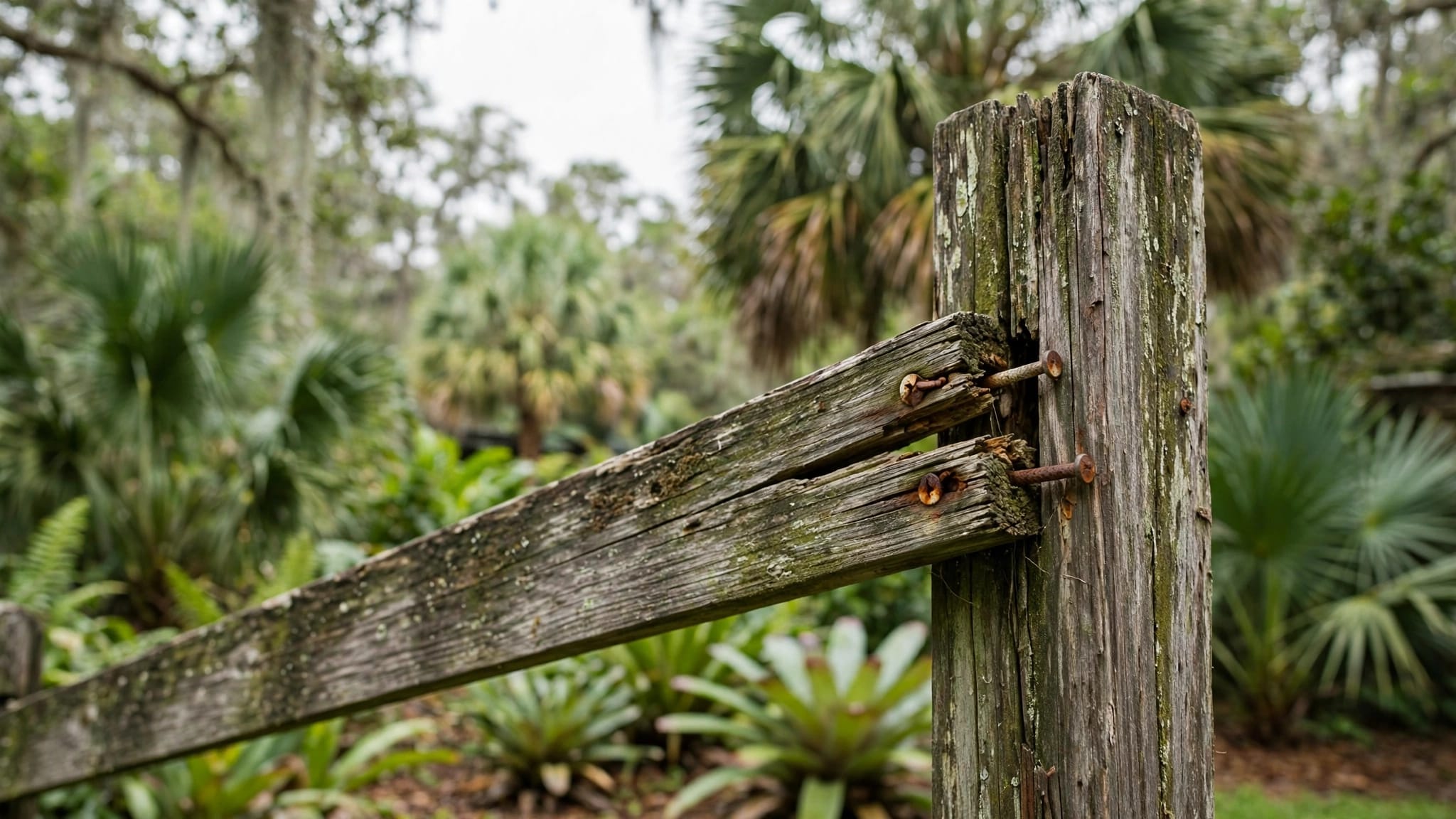
Cape Coral rain can soften soil around posts, while wind can shift wide gate panels. Salt and sprinkler spray can corrode hardware. These problems increase motor strain and can cause nuisance sensor trips.
This guide to preparing a manual gate for automation explains why the gate's mechanical condition should be corrected before automation begins.
Never increase force to overcome binding
When an operator struggles, increasing its force setting can hide a mechanical problem and make an impact more dangerous. A gate that moves slowly or reverses unexpectedly may have a dragging wheel, loose hinge, shifting post, or obstruction.
Only a qualified technician should adjust force settings, travel limits, wiring, or safety devices. Keep people and pets away from the gate until the cause has been identified and the system passes its safety tests.
Test and Maintain the Sensors
Testing should happen during normal operation and after conditions that may affect the equipment. A gate that worked before a storm may need inspection after wind-driven rain, debris impact, or a power surge.
Include sensors in routine inspections
Check the visible condition of photo eyes, edge sensors, mounts, and wiring without opening electrical covers. Keep the travel area clear and remove leaves, sand, mulch, and vegetation that could block detection.
Test photo eyes, safety edges, vehicle loops, and stop or reverse functions according to the operator manufacturer's instructions. A professional should handle tests that require electrical access or changes to programmed settings.
After a major storm or lightning event, schedule a safety inspection. Look for water intrusion, corrosion, loose mounts, and inconsistent operation.
Don't bypass a sensor to stop nuisance problems
A dirty or misaligned sensor may cause the gate to stop or reverse when nothing appears to be in its path. Bypassing the device can make the nuisance stop disappear, but it removes part of the protection system.
Instead, have a qualified gate technician inspect the sensor, wiring, alignment, and gate mechanics. If the gate fails a safety test, take it out of service when possible and keep pedestrians away from the opening until repairs are complete.
For outage planning, this information about gate opener safety during power outages also covers testing photo eyes, edge sensors, vehicle loops, and emergency operation.
Permits and Installation Questions in Cape Coral
A powered driveway gate combines structural, mechanical, electrical, and safety work. Adding an operator, keypad, remote system, sensor, or new wiring can trigger permit review depending on the property and project scope. Electrical work may require a separate electrical permit.
Ask the contractor to review the site before installation. The plan may need to account for underground utilities, drainage, irrigation, driveway surfaces, easements, setbacks, and the gate's relationship to the street.
Cape Coral requirements may differ from those in Fort Myers, Estero, Bonita Springs, or other parts of Lee County. The property owner should also check HOA rules when the gate connects to a community fence line or faces a shared entrance.
This overview of separate permits for gate operators can help you prepare questions before approving the work. A contractor should explain which approvals apply instead of assuming the fence permit covers every part of the automated system.
Key Takeaways for Homeowners
Use this short checklist when reviewing a quote or preparing for service:
- Confirm that the gate moves freely before automation.
- Ask how the proposal addresses UL 325 entrapment protection.
- Identify the hazard area covered by every photo eye, edge, or loop.
- Keep salt, sprinkler spray, standing water, and storm debris away from equipment.
- Request testing after installation, power interruption, and major weather events.
- Never bypass a sensor or raise force settings to solve a mechanical problem.
- Have qualified professionals handle electrical work, sensor adjustments, and entrapment-safety repairs.
The goal is a system where the gate, operator, sensors, controls, and emergency release work together.
FAQ About Cape Coral Gate Safety Sensors
How many sensors does an automatic driveway gate need?
There isn't one universal sensor count for every driveway gate. The number and type depend on whether the gate slides or swings, where pinch points occur, how vehicles approach, and whether pedestrians share the access route.
A qualified installer should map the travel path and explain which device protects each hazard area. Photo eyes, safety edges, vehicle loops, and obstruction detection can address different risks.
Can I install or adjust gate sensors myself?
Homeowners can keep the area clear and inspect visible components for dirt or damage. However, installation, wiring, alignment, force settings, and entrapment-safety adjustments should be handled by a qualified professional.
Electrical work can create shock and fire hazards. Incorrect sensor placement or settings can leave a moving gate unsafe even when it appears to operate normally.
What should I do if a sensor keeps stopping the gate?
Stop treating the problem as a minor inconvenience. Leaves, salt film, misalignment, damaged wiring, gate drag, or a shifting post may be responsible.
Don't bypass the sensor. Keep people and pets away from the gate, then contact a qualified technician to inspect the sensor and the gate's mechanical condition.
Conclusion
Cape Coral gate safety sensors protect different parts of an automatic driveway gate, but they work properly only when the gate is aligned, the equipment is installed correctly, and the system is tested.
Salt air, rain, lightning, and storm debris make regular inspections especially important. Choose a proposal that addresses redundant safety devices, UL 325 entrapment protection, clear travel space, emergency release, and local installation requirements. A safe automatic gate depends on the entire system, not one sensor alone.