September 28, 2026
A delivery driver reaches your closed gate while you're away. Without a way to speak to them, you have to leave the gate open, miss the delivery, or share an entry code.
A well-planned Cape Coral gate intercom lets you identify visitors and decide when to admit them. The right setup depends on more than the call box: gate movement, operator controls, power, and connectivity all matter. Start with what should happen when someone arrives at your driveway.
What a Cape Coral gate intercom does
An intercom gives a visitor a way to contact someone inside the property. Depending on the system you choose, you may answer at an indoor station or on a phone, speak with the visitor, and authorize entry. A keypad has a different job: it lets someone enter a code without calling you.
Choose how visitors will reach you
Decide who needs to answer calls. For a single household, phone access may suit owners who are often away. An indoor station can also be useful when someone is home but doesn't carry a phone.
Think about visitors who arrive outside normal hours, too. A video option may help you check who is waiting, but its view depends on camera placement and lighting. Ask to see where the visitor would stand and what the camera would capture before choosing a mounting spot.
Keep codes separate from conversations
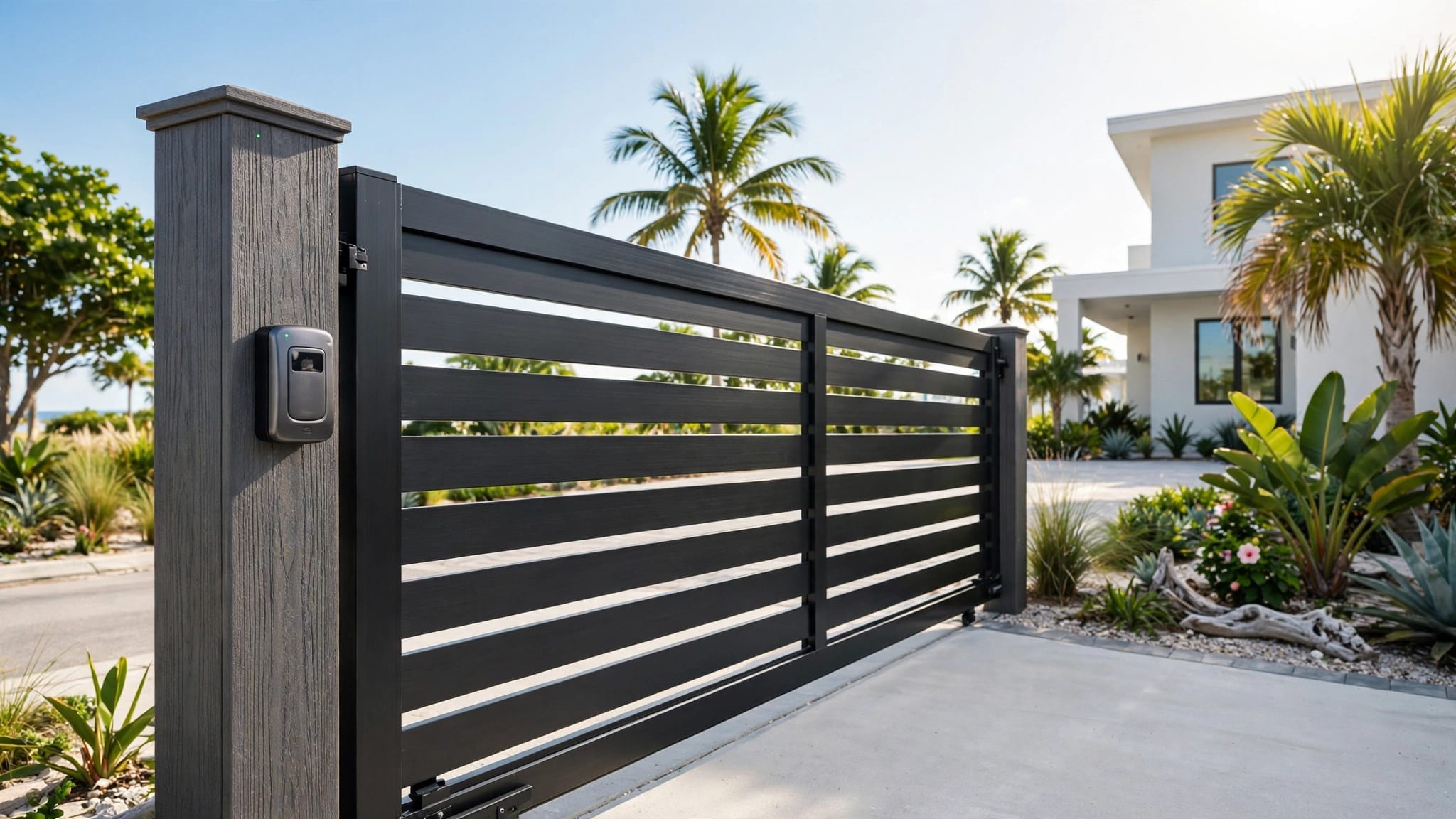
Regular visitors, such as a family member or service provider, may be better served by a keypad code. Delivery drivers and unexpected guests need a way to request entry instead. You can compare keypad access for Cape Coral driveway gates while deciding which visitors should call and which should use a code.
An intercom can tell you who's waiting, but it won't make a gate move safely. The operator and its safety equipment need their own review.
Wired and wireless options for driveway intercoms
"Wireless" can describe the connection between the entry station and your home, not necessarily its power supply. Ask the installer to identify both. A station that calls your phone may still need dependable power at the gate.
These common approaches suit different site conditions:
| Approach | Good fit | Check before choosing |
|---|---|---|
| Wired communication | A driveway where a cable route is practical | Trenching obstacles and protection for the cable route |
| Wi-Fi communication | An entry with reliable Wi-Fi coverage | Signal strength at the actual mounting location |
| Cellular communication | A gate far from the house network | Carrier coverage, service costs, and outage behavior |
A wired connection avoids relying on Wi-Fi coverage at the entrance, but installing it may mean working around paving, irrigation, or landscaping. Wireless communication can reduce that work. However, a phone showing signal near the house doesn't prove the gate station will connect reliably.
Test at the proposed mounting point, including when the gate is closed. If you choose a cellular option, confirm its ongoing service requirements. For any option, ask what happens when the connection drops: can visitors still use a code, and can residents still enter?
Plan the visitor's path through the gate
An intercom should be easy to find and use without putting a vehicle in an awkward position. Placement also affects whether the driver can reach the call button, see the gate move, and pull forward once it opens.
Give drivers room to wait
Walk the driveway with the installer and consider an ordinary car, a delivery van, and any truck or trailer you regularly use. The call station needs to sit where a driver can reach it without blocking the gate's travel. Check whether a waiting vehicle would extend toward the street or obstruct a sidewalk.
For a property with a pedestrian entrance, decide whether that visitor needs a separate call point. One station at the vehicle gate won't necessarily serve someone arriving on foot.
Set a clear answer and entry routine
If several people can receive calls, agree on who answers first and how others take over. Ask how the system identifies the correct property or entry point, especially if the driveway serves multiple users. For smartphone access, check whether every intended user can receive calls and operate the entry control with their own account.
Also consider everyday interruptions. A contractor may arrive while you're driving, or a visitor may press the button twice. The system's call handling should fit how your household uses the driveway, rather than forcing everyone to share one login.
Match the intercom to the gate and operator
A gate that drags, sags, or catches needs repair before you add automatic entry. An operator supplies movement; the intercom supplies an entry request. Have the installer check how the selected equipment will work together before ordering either.
Start with the gate's movement
A swing gate needs a clear arc. A sliding gate needs room alongside the fence. Those differences affect where a visitor waits and where the intercom can stand without interfering with travel. For tight approaches, compare sliding and swing driveway gates before fixing the call station's location.
Measure the usable opening for the vehicles that enter. Mirrors, trailer width, and the angle of approach matter as much as the opening's stated width. Then check the fence posts, hinges, rollers, or track that carry the gate.
Review controls and safety together
Ask the operator installer to confirm how the intercom's entry command will reach the operator. Also confirm what the gate does after an authorized opening and how it responds if something is in its path. An intercom button isn't a substitute for correctly installed and tested safety devices.
For powered gates, discuss applicable manufacturer instructions and standards, including UL 325 and ASTM F2200 where they apply. Keep a separate way for residents to enter if the intercom is unavailable. The complete system should work for a routine visitor and remain manageable when one component fails.
Choose equipment for Cape Coral weather
Heat, humidity, heavy rain, and salt exposure can shorten the life of poorly protected outdoor equipment. A call station may look sheltered under a small cover yet still catch wind-driven rain. Its location should account for sun exposure, runoff, and sprinkler spray.
Protect the station and its mounting point
Ask the installer how the selected enclosure handles weather at your site. Check the mounting post or pedestal as carefully as the electronics: a loose post can leave the call button hard to reach or change a camera's view. Keep the station clear of plants that could block it as they grow.
Where wiring or power equipment needs a separate enclosure, discuss placement above areas prone to standing water. After storms, check for damage and water intrusion before assuming an unresponsive station has a network problem.
Don't overlook the gate itself
Salt air can affect hinges, fasteners, tracks, and exposed finishes. A reliable call station won't help if corroded hardware prevents the gate from opening. The choice between aluminum, vinyl, and other fence materials also affects the posts and hardware around the entry. Royal Fence's guide to fence materials for Cape Coral salt air covers those trade-offs.
Plan access for cleaning and repairs. Technicians should be able to reach the station, operator, and safety devices without taking apart landscaping.
Prepare for outages and lost connectivity
A storm can interrupt utility power, internet service, or both. Discuss those failures separately. Battery backup for the gate operator doesn't automatically keep the intercom, home network, or cellular service working.
Ask the installer to demonstrate what happens when power is cut and restored. Find out how to use the operator's manual release and where its key or tool will be kept. Never force a powered gate without following the operator's release instructions.
For a phone-based system, decide how you'll admit a visitor when you can't receive a call. A separate keypad may offer another access method, subject to its own power needs. Likewise, ask whether backup power is appropriate for the operator and any entry equipment that must remain available.
Test the planned fallback before storm season, then repeat the test after equipment changes. A backup you can't operate under normal conditions is a poor plan for a wet, dark driveway.
Compare the full project, not the call box
Your quote should separate the fence and gate, posts, operator, intercom, mounting location, electrical work, safety equipment, and any backup power. Existing gates may need repair or reinforcement first. Ask who will handle each part and who you'll call if the entry stops working.
Gate prices don't tell you the cost of an automated intercom entrance. Royal Fence's Cape Coral gate cost breakdown describes gate costs, but your intercom, operator, site work, and electrical scope need their own quote.
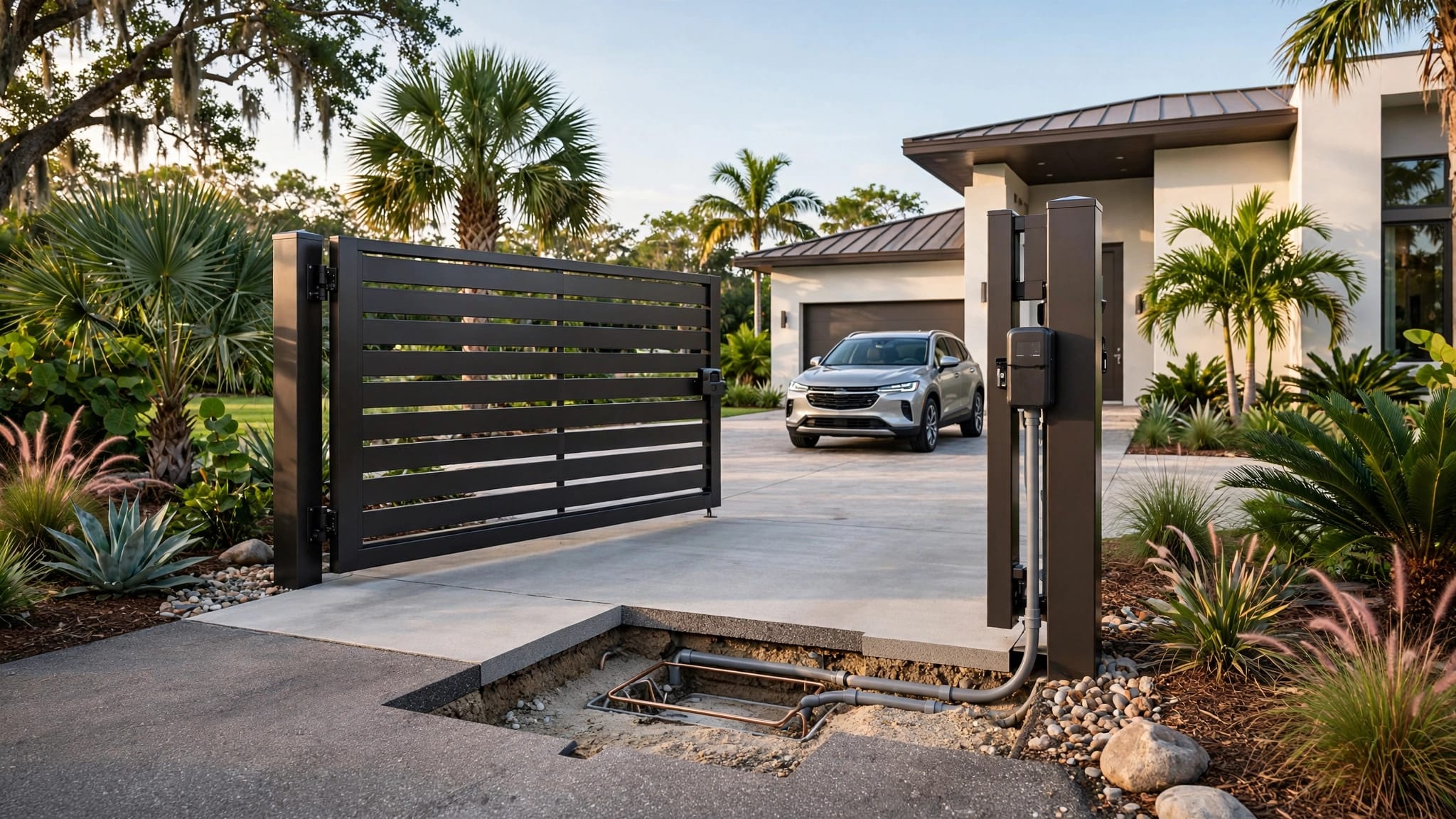
Before work begins, show the contractor your survey and identify irrigation, drainage, paving, and known underground obstacles. Call 811 before digging so participating utilities can mark their lines; discuss private lines, such as irrigation, separately. If plans or approvals are needed for your particular project, establish who will confirm the current requirements. The Cape Coral fence permit checklist highlights useful plan details, including gate location, width, and swing direction when clearance matters.
Finally, request a demonstration at handover. You should know how to answer a call, admit a visitor, change access permissions, use the manual release, and request service.
Key takeaways
- Choose an intercom for visitors who need to contact you; use keypad entry when approved users need independent access.
- Check communication and power separately, especially if you want calls on your smartphone.
- Plan the station around the vehicle's stopping point and the gate's full path of movement.
- Price the complete entrance, including gate condition, operator, safety equipment, and outage provisions.
Frequently asked questions
Can a Cape Coral gate intercom call my smartphone?
A phone-based option may let you speak with visitors and authorize entry while you're away. Confirm how the selected system places calls, what service it needs, and who can receive them. Test connectivity at the gate, not only inside the house.
Will an intercom work with my existing automatic gate?
The answer depends on your operator and the intercom you select. Have an installer check the equipment before you buy it, along with the gate's movement and safety devices. If the gate binds or its hardware is worn, address that first.
What happens when the power goes out?
That depends on which parts of the entrance have backup power. Ask for a demonstration of the operator's manual release and any battery-backed functions. Also establish how you'll enter if phone calls or network service are unavailable.
A driveway entry that works when you need it
A visitor at your gate needs a clear way to reach you. You need a reliable way to decide whether to open it.
The strongest Cape Coral gate intercom plan starts with the driveway and gate, then accounts for communication, weather, and outages. Test the whole entry , including its fallback, before depending on it for daily access.