November 16, 2026
When a gate remote works only near the receiver, the system needs a closer look before you replace equipment or adjust the gate. A response at close range shows that a command can reach the system there, but it doesn't identify which component needs attention.
Start by separating the remote response from the gate's physical movement. That distinction helps you describe the problem and choose the right professional help.
What Short Automatic Gate Remote Range Tells You
An automatic gate has several parts involved in opening and closing. The remote sends a command, the receiver passes that command to the control system, and the operator moves the gate. Safety devices can also affect whether movement continues.
When the gate responds only at close range, you have useful information: the system responds under at least one condition. That observation alone doesn't identify a failed part or establish what repair is needed.
Pay attention to what happens after the gate responds. A gate that opens smoothly presents a different situation from one that starts, stops, or drags. Tell the technician about both the control response and the gate movement, even if only one seems connected to your concern.
Keep a Record of the Problem
A short description of the issue can help a technician arrive prepared. You don't need to open equipment or change settings to collect useful information.
Describe where the remote responds
Note the approximate location where you normally use the remote and where it responds. Mention whether your vehicle was stopped in its usual position and whether your view of the gate was clear.
Record whether the behavior is consistent or varies during the day. If several authorized users have noticed the issue, their observations can help describe how widely it affects access.
Note when the change began
Write down when you first noticed the shorter operating distance. Include any event that happened around that time, such as a major storm, flooding, a vehicle strike, or work near the gate.
Also record messages displayed on the operator, if visible without opening the enclosure. Those details give the service technician context without requiring you to interpret an electrical fault.
Separate Remote Access From Other Controls
Many automatic gates have more than one way to request entry. A residential property might have a keypad as well as handheld remotes. A commercial entrance may also use card readers, intercoms, or vehicle detection equipment.
If you use another control during normal operation, note whether the gate responds as expected. A working keypad can help you maintain access, but it doesn't establish the condition of every part of the remote system.
Likewise, a keypad that fails to open the gate doesn't prove the remote is responsible. Share the behavior of each control with the technician so the full access system can be considered.
Avoid sharing access codes while gathering information. For a business or shared property, give the service contact the control details through the property's usual secure process.
Look at How the Gate Moves
A control issue and a mechanical issue can happen at the same gate. They deserve separate attention because repairing one doesn't necessarily address the other.
Watch for drag or misalignment
Once the gate receives a command, observe its movement from a safe position. Scraping, grinding, visible sagging, or a leaf that doesn't meet its latch properly can point to a gate hardware problem.
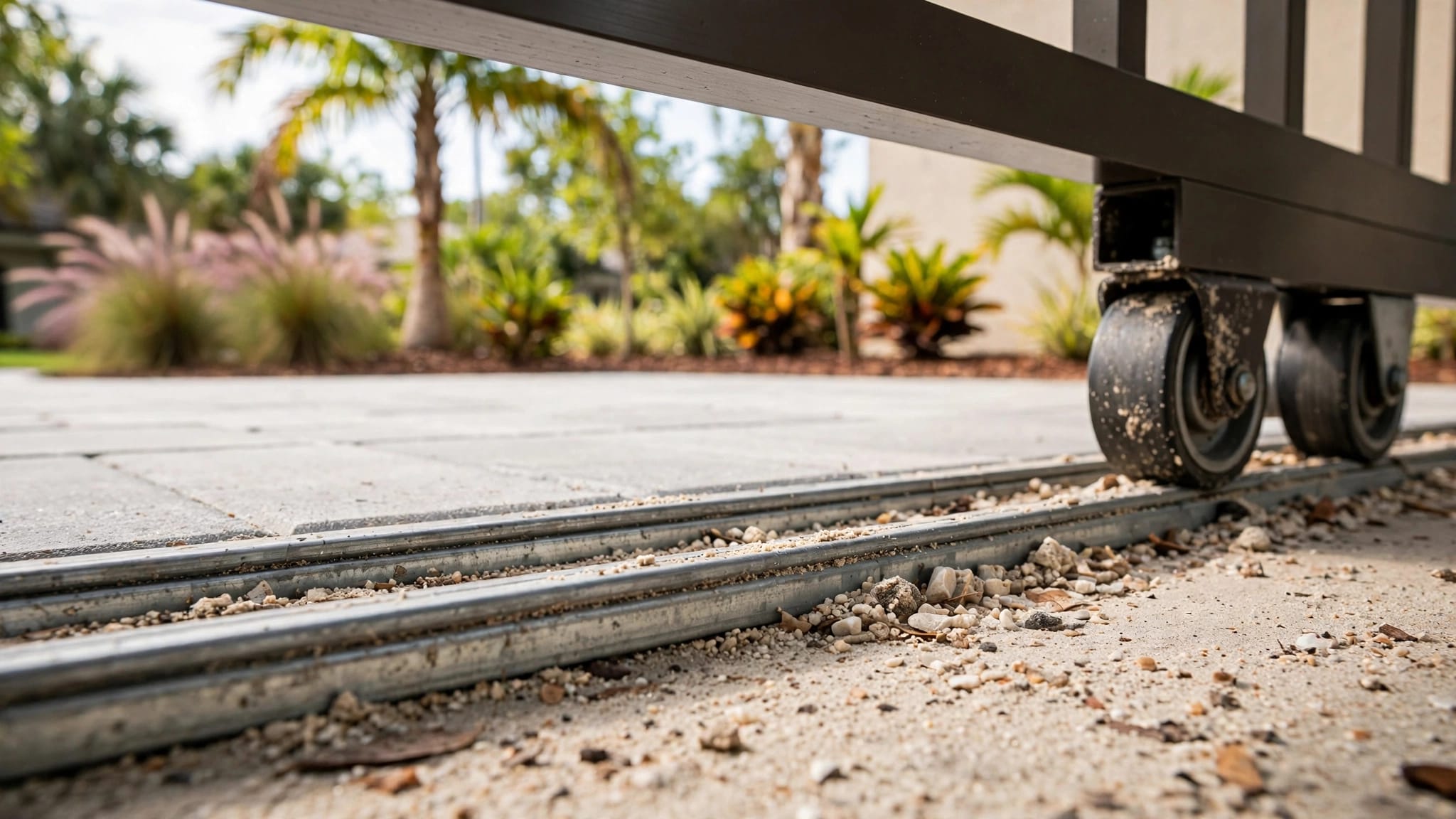
Swing gates depend on sound posts and hinges. Sliding gates need suitable rollers and a clear travel path. Our guide to driveway gate alignment problems explains how issues with the frame, posts, and hardware can affect movement.
Keep the travel path clear
Sand, leaves, mulch, and standing water can interfere with a sliding gate's path. Vegetation or stored items can also obstruct a swing gate.
Remove accessible debris only when the gate is stationary and you can do so without entering a pinch point. Don't reach through a moving gate or try to hold it in place while the operator runs.
A gate that binds or moves unpredictably needs professional attention. Increasing operator force isn't a safe substitute for repairing the gate.
Understand the Gate's Power Supply
The small battery inside a handheld remote and the power supply for the gate operator are separate parts of the system. An operator may use utility power, a solar-charged battery, or a backup battery.
This distinction matters when you describe a gate problem. If the controls respond but the gate moves slowly or stops, give the technician that detail rather than assuming the handheld remote is the only item involved.
A solar-powered operator depends on its battery reserve. Shade, salt residue, and storm debris on the panel can reduce charging. Our comparison of solar and AC gate power covers the differences between those systems.
Don't open an energized control cabinet or handle exposed wiring. A qualified gate technician or electrician can assess the operator's power equipment safely.
Consider Southwest Florida Conditions
Cape Coral and the surrounding area bring heavy rain, strong wind, humidity, and salt air into gate maintenance. These conditions can affect outdoor hardware and equipment, so they belong in the service history you share.
After heavy rain or flooding
Look from a safe distance for standing water around the operator, damaged enclosures, displaced debris, or changes in gate movement. Don't spray water into electrical openings while cleaning the area.
If floodwater reaches equipment or wiring, stop operating the gate until a qualified technician assesses it. The same advice applies when you see exposed wiring or damage to the equipment enclosure.
After a storm or vehicle strike
A strike or major windstorm can affect the gate structure as well as equipment near the entrance. Note any new sagging, unusual noise, loose hardware, or difficulty closing.
Leave operator limits, force settings, wiring, and safety-device adjustments to a qualified technician. A gate that looks intact can still need an assessment after a significant impact.
Use the Gate Safely While You Wait for Service
Short operating distance can tempt drivers to pull close to the gate. Instead, stop where you have a clear view of the opening and remain outside the gate's travel path. Keep children, pedestrians, and pets away while the gate moves.
Use another authorized entrance or control if it's available and safe. For a commercial or shared entrance, follow the property's access plan rather than blocking the driveway or asking people to pass through a moving gate.
If the gate fails a safety test, moves unpredictably, binds, or shows exposed wiring, stop using it when possible and contact a qualified gate technician. Smoke, a burning smell, repeated breaker trips, or unusual heat also call for immediate attention.
Never bypass photo eyes, safety edges, vehicle loops, or stop-and-reverse functions to keep traffic moving. Those devices protect people around the opening.
What a Gate Technician Needs to Know
A useful service request describes the equipment and symptoms without assuming the repair. The operator's make and model, the type of gate, and any visible fault message help identify the system.
Describe the full access setup
Mention whether the gate swings or slides and whether it serves a home, business, or shared entrance. Include the controls used at the property, such as a keypad or card reader, and describe any change in their operation.
A technician can assess the remote and receiver as part of the access system. They can also inspect the operator and safety equipment when the symptoms call for it.
Explain any movement concerns
Tell the technician if the gate drags, stops before reaching its usual position, or makes a new noise. Mention a misaligned latch, damaged roller, or loose post if you've noticed one.
Those details matter because an operator can't correct a sagging gate or damaged track. For owners planning future automation, preparing a manual gate for an opener starts with a sound gate that moves freely.
Decide What Needs Repair
A service assessment can separate an access-control concern from gate structure or power issues. That distinction helps you avoid replacing equipment that hasn't been identified as the problem.
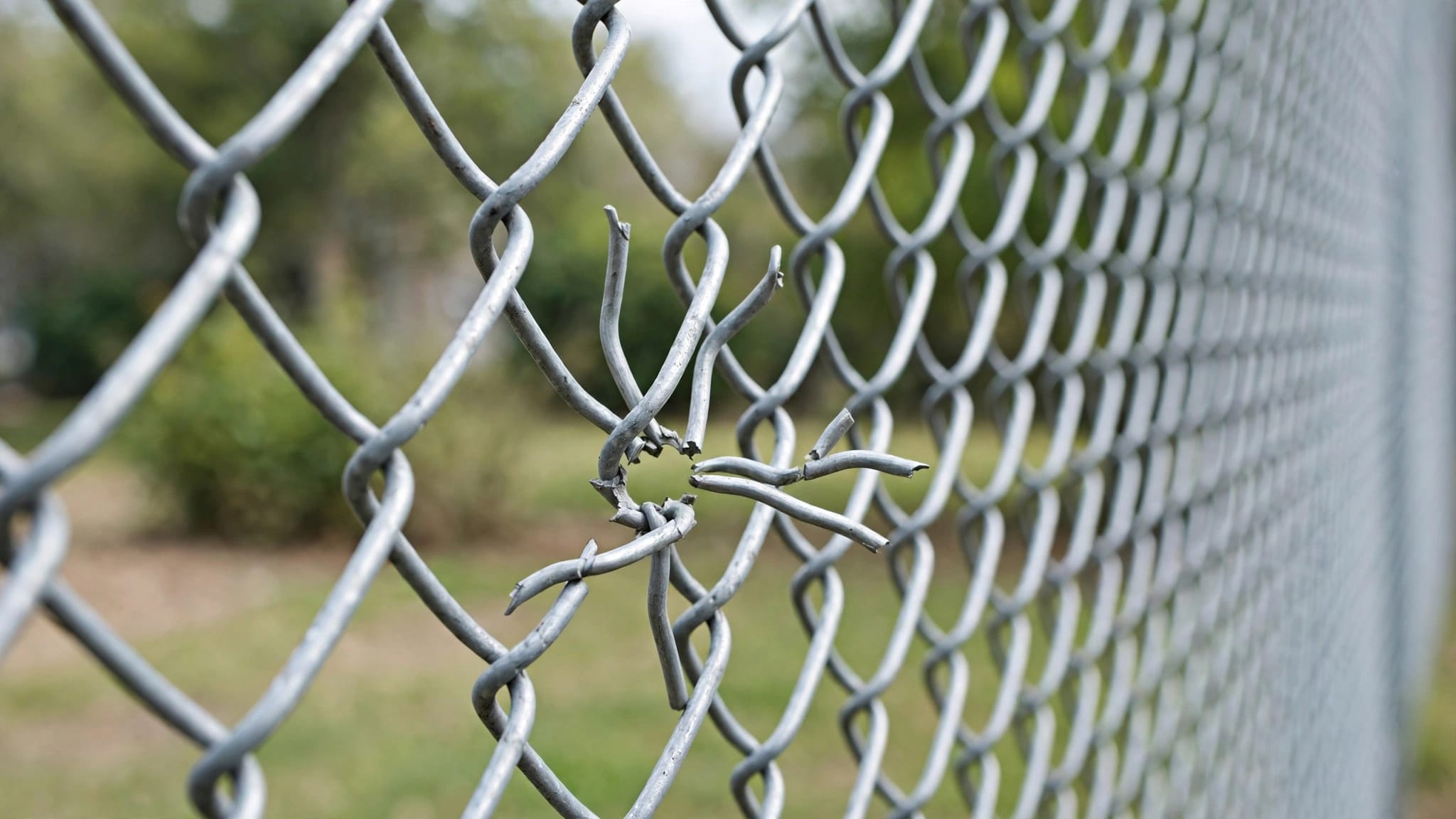
For the gate itself, repair may make sense when the posts are stable and the frame is sound, with wear limited to hardware such as hinges or latches. Extensive frame damage or corrosion can make a larger repair or replacement more practical.
At Royal Fence, we offer free estimates for residential and commercial fencing and rolling gates in Cape Coral, Fort Myers, Estero, and Bonita Springs. For powered controls and electrical work, use a qualified gate technician or electrician.
Get the Right Problem Addressed
A remote that works only near the receiver tells you where the system responds. It doesn't, by itself, tell you what needs replacement.
Record the symptoms, keep the gate's path clear, and pay attention to safe movement. A qualified assessment can then address the access system without overlooking the condition of the gate.