October 18, 2026
A commercial gate operator may run normally during a quiet morning, then struggle when vehicles arrive in a steady stream. Gate operator overheating often points to a mismatch between the gate's workload and its mechanical condition, environment, or electrical supply.
In Southwest Florida, heat, humidity, heavy rain, salt air, and storm debris can add stress. Peak traffic makes those conditions harder on equipment because the operator has less time between cycles. Understanding the common causes helps you spot trouble early and know when to stop using the gate.
How peak traffic raises the operator's workload
A gate operator has a rated duty cycle, which describes how much operation it can handle over time. When traffic clusters around opening or closing periods, repeated cycles can build heat faster than the operator can shed it. That strain may appear at apartment entrances, business access points, equipment yards, and shared driveways.
Traffic volume matters, but so does timing
Daily vehicle totals don't tell the whole story. A site with moderate traffic spread across the day may place less demand on an operator than a property where employees, residents, deliveries, and visitors arrive within a short window.
Each open-and-close movement adds operating time. Keypads, card readers, remotes, loop detectors, and other access equipment also need to work reliably as vehicles approach. A system designed around average use can struggle during predictable rush periods.
Match the operator to real site use
A higher-duty-cycle operator may suit a community or business entrance with frequent use. However, a more powerful motor won't fix a gate that drags, binds, or catches wind. The equipment, gate style, weight, travel distance, and access pattern all matter.
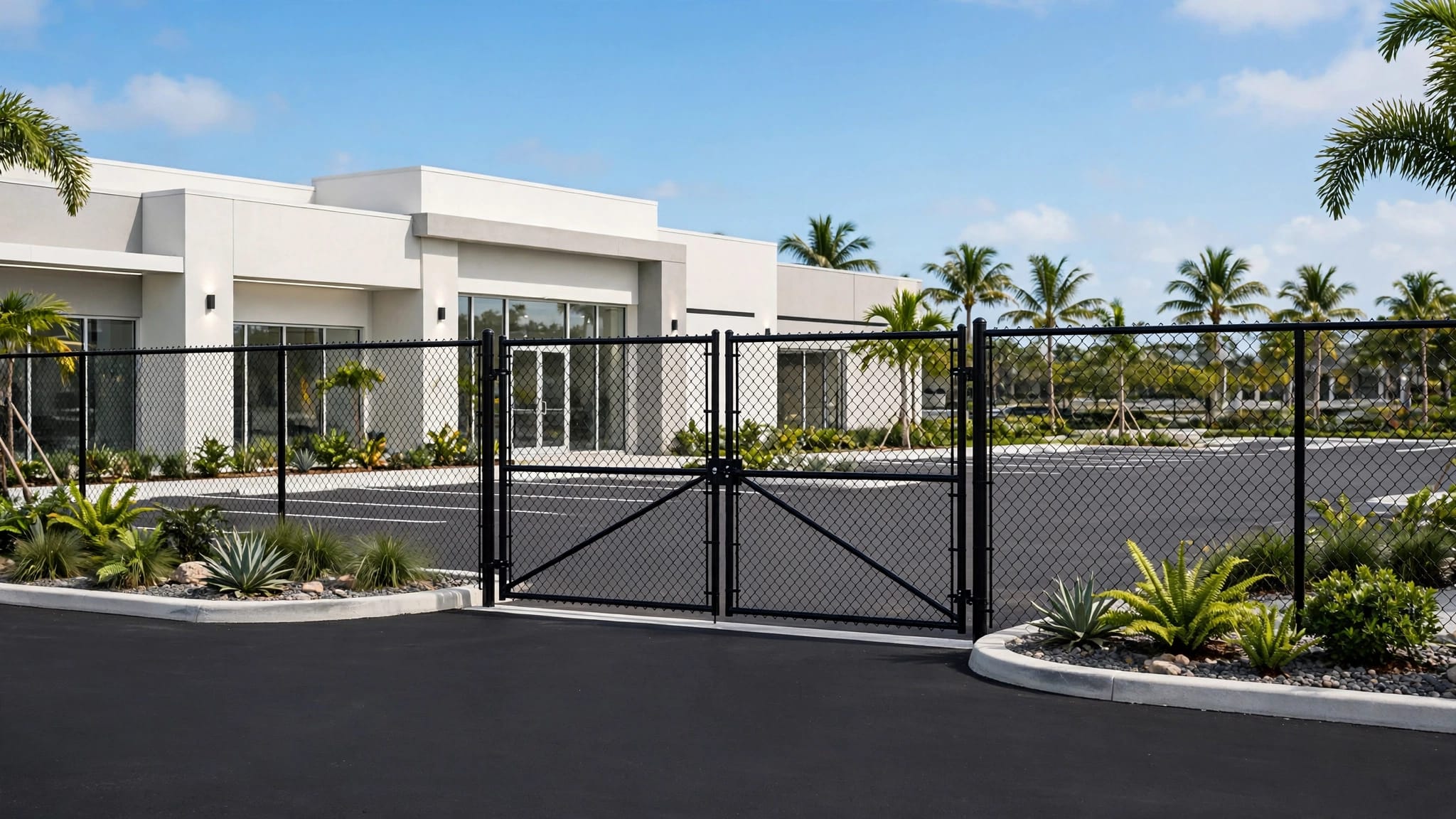
Count the vehicles and cycles during the busiest periods, including delivery and service traffic. For sites in Cape Coral, Fort Myers, Estero, and Bonita Springs, commercial gate access control systems should account for the property's traffic and local weather exposure.
Common conditions that contribute to overheating
Peak traffic often reveals a problem that was already developing. The operator may be working harder because the gate's movement is restricted, airflow is limited, or the site exposes components to heat and moisture.
Excessive duty cycles and limited cooling
Frequent movement creates heat in the motor and control components. If cycles come one after another, the system may not have enough idle time to cool between operations. The operator's rated duty cycle and the actual gate load determine how much use it can handle.
Enclosures also need the airflow and clearances specified for their design. Placing a control box in direct sun or crowding it with plants and stored items can make heat management harder. Don't block vents or alter the enclosure to make space.
Heat, rain, and salt air
Southwest Florida's weather adds its own challenges. Direct sun and high ambient temperatures can raise equipment temperatures, while heavy rain can leave water around posts or bring sand, leaves, and other debris into a gate's path.
Salt air and humidity can corrode hinges, fasteners, brackets, connectors, and control-board terminals. A gate may continue operating while corrosion or moisture begins to affect its movement or electrical reliability. Durable gate operators for Southwest Florida should be selected with traffic and coastal conditions in mind.
Mechanical drag makes the motor work harder
A properly adjusted operator moves a gate that can travel freely. When the gate binds or drags, the motor must work against added resistance on every cycle. More traffic then repeats that extra workload throughout the day.
Check the gate's travel path
For a sliding gate, sand, mulch, leaves, vegetation, or standing water can interfere with the track and rollers. A damaged track, worn roller, or shifted post can also restrict movement. Keep the travel path clear, and address damaged or uneven components instead of asking the operator to pull through them.
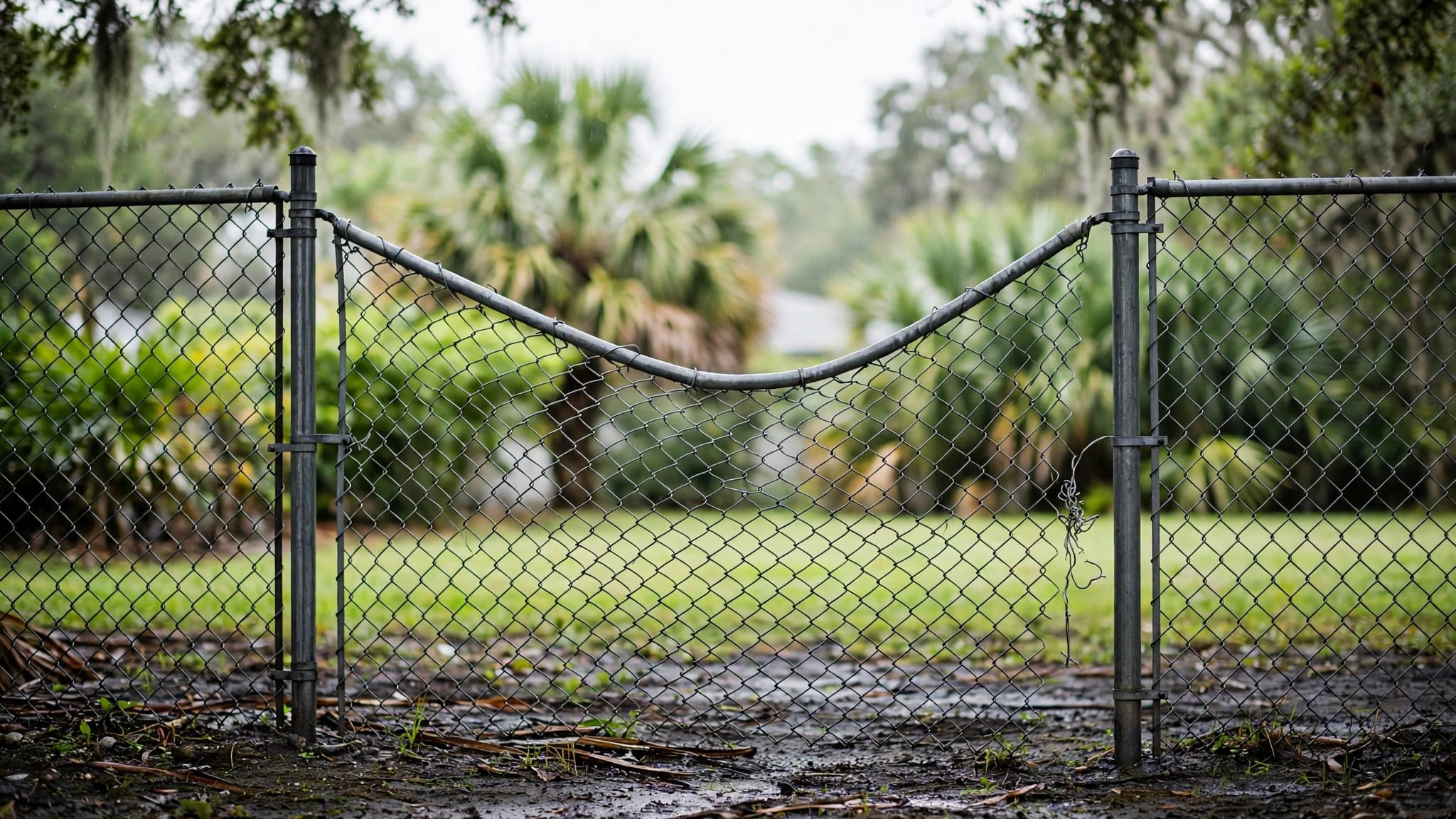
Swing gates can bind when hinges wear, posts shift, or the gate sags. A latch or drop rod that doesn't line up can resist movement. On a double gate, a loose center stop may let the leaves meet inconsistently and put extra stress on the operator arms.
Don't compensate with more force
A gate that needs a shove or scrapes the ground has a mechanical problem. Increasing the operator's force setting can make the gate more dangerous without correcting the cause. The gate should move smoothly through its full travel before the operator is adjusted or reconnected.
When the structure is stable and the issue is alignment, professional gate alignment troubleshooting can help identify stress caused by the gate's position or hardware. Keep people clear while checking movement, and stop if the gate is unstable or difficult to control.
Electrical and environmental factors to consider
A motor that runs hot may not be facing a traffic problem alone. Electrical faults, storm exposure, and poor equipment placement can affect performance or damage components. These issues call for careful inspection, not trial-and-error adjustments.
Look for warning signs, not live electrical faults
An inconsistent power supply, damaged wiring, loose connections, or storm-related surge damage can cause erratic operation. A breaker that trips, controls that reset, or an operator that stops unpredictably deserves attention. Don't open an energized control box or touch exposed wiring.
Lightning and severe weather can affect systems even when the gate still moves. After a storm, watch for new symptoms such as delayed response, unusual noises, or failed safety devices. Electrical testing and repairs should go to a qualified electrician or gate technician.
Keep water and debris away from equipment
Standing water near the operator, low-mounted wiring, damaged enclosure seals, and conduit that allows water to enter can create electrical problems. Drainage around posts and equipment matters, especially after intense rain or flooding.
Keep the operator clear of direct heat where the design allows, while preserving required ventilation and clearances. Remove debris from the gate's travel path, and don't spray water into electrical openings when cleaning. If flooding reaches equipment or wiring, stop operation until a qualified technician assesses it.
Troubleshooting an overheated operator safely
Start by observing the symptoms without opening the operator or bypassing its controls. A brief pause may help distinguish a temporary high-use issue from a persistent fault, but repeated overheating needs a proper diagnosis.
Record what happens
Note when the problem occurs, how heavy traffic is at the time, and whether the gate slows, stops, reverses, or makes an unusual sound. Record whether the issue began after heavy rain, flooding, a vehicle impact, or a lightning event. This information can help a technician trace the cause.
If the operator has a display or fault indicator, record the message without changing settings. Avoid repeatedly resetting a unit that trips or stops. Repeated resets can hide a developing fault and may place additional strain on the system.
Know when to take the gate out of service
Stop operation and contact a qualified gate technician if you notice a burning smell, smoke, unusual heat, repeated breaker trips, exposed wiring, or a gate that moves unpredictably. Also stop if the gate binds, falls out of alignment, or fails a safety test.
Never bypass photo eyes, safety edges, loops, or stop-and-reverse functions to keep traffic moving. If the gate can't be operated safely, keep pedestrians and vehicles away from its path and use the property's approved access plan. A maintenance checklist for commercial gates includes control and safety-device checks.
Prevent overheating before the busy season
Prevention starts with a gate that moves freely and an operator sized for actual use. A maintenance routine can also catch changes in movement, corrosion, drainage, or safety equipment before peak traffic exposes them.
Inspect the gate and operator routinely
Check hinges, rollers, tracks, posts, latches, drop rods, and stops for looseness, wear, corrosion, or misalignment. Clear sand, leaves, vegetation, and other obstructions from the gate's path. Follow the operator manufacturer's maintenance guidance for lubrication and inspection.
Test keypads, card readers, remotes, photo eyes, loops, emergency releases, and stop-or-reverse functions according to the manufacturer's instructions. A gate that opens and closes is not necessarily safe if a sensor or reversing function has failed.
Plan for high-use periods and storms
Estimate traffic during peak hours rather than relying on a quiet-day average. Include deliveries, service calls, seasonal users, and emergency access. If demand has grown, the operator or access plan may no longer fit the site.
After heavy rain, flooding, or a major storm, look for standing water, debris, exposed wiring, damaged seals, and changes in gate movement. Keep drainage clear and equipment within its intended ventilation space. A clear service-response plan also helps managers handle a malfunction without bypassing safety devices.
Key takeaways
- Repeated cycles during rush periods can create more heat than the operator can shed.
- Mechanical drag, poor alignment, blocked ventilation, heat, moisture, and electrical faults can add strain.
- A stronger operator won't correct a gate that binds or moves poorly.
- Stop using the gate if it shows signs of electrical damage, uncontrolled movement, or failed safety equipment.
- Regular inspections should cover both the gate's hardware and its controls.
FAQ
Can peak traffic alone make a gate operator overheat?
Heavy use can contribute, especially when repeated cycles leave little time between operations. However, overheating can also point to drag, unsuitable equipment, poor airflow, environmental exposure, or an electrical problem. The full system needs assessment when the issue repeats.
Should I let the operator cool and then keep using it?
A pause may reduce immediate heat, but it doesn't fix an underlying fault. If the operator overheats repeatedly, trips a breaker, smells burnt, or moves unpredictably, stop using it and call a qualified gate technician.
Can I increase the force setting to prevent stalls?
No. A higher force setting can increase the risk of injury and conceal a mechanical problem. The gate should move freely and its safety devices should work correctly before a technician adjusts the operator.
Keep the gate moving safely
Commercial gate operator overheating is a warning to look at the complete system, including traffic patterns, gate movement, electrical condition, and Southwest Florida weather. Addressing the source of added strain is safer than repeatedly restarting the operator.
When the gate binds, the equipment shows electrical warning signs, or safety features fail, take it out of service when possible and contact a qualified technician. A well-matched operator and a freely moving gate are the foundation for dependable access during busy periods.